The kiosk donation flow
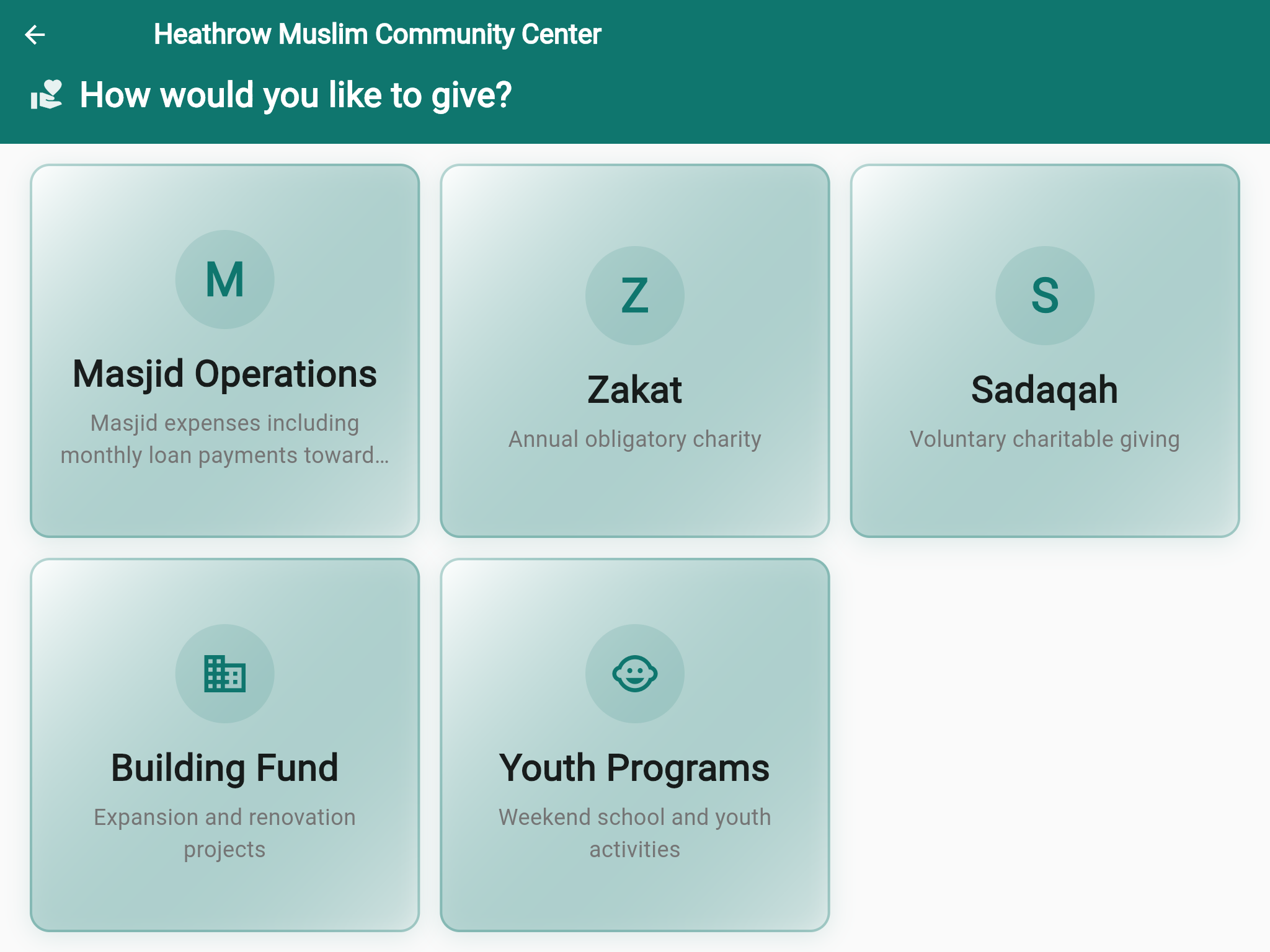
Choose a Fund
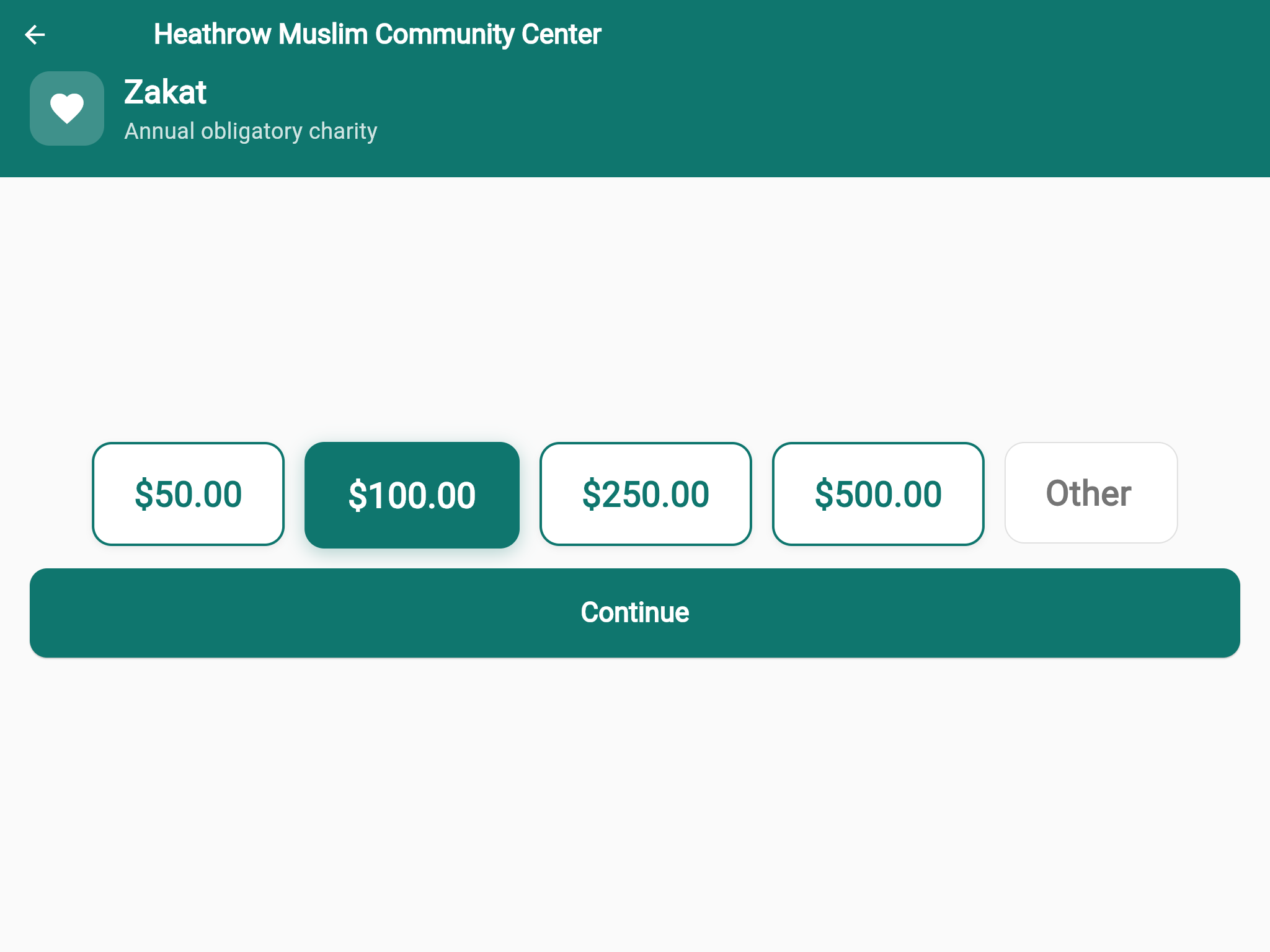
Pick an Amount
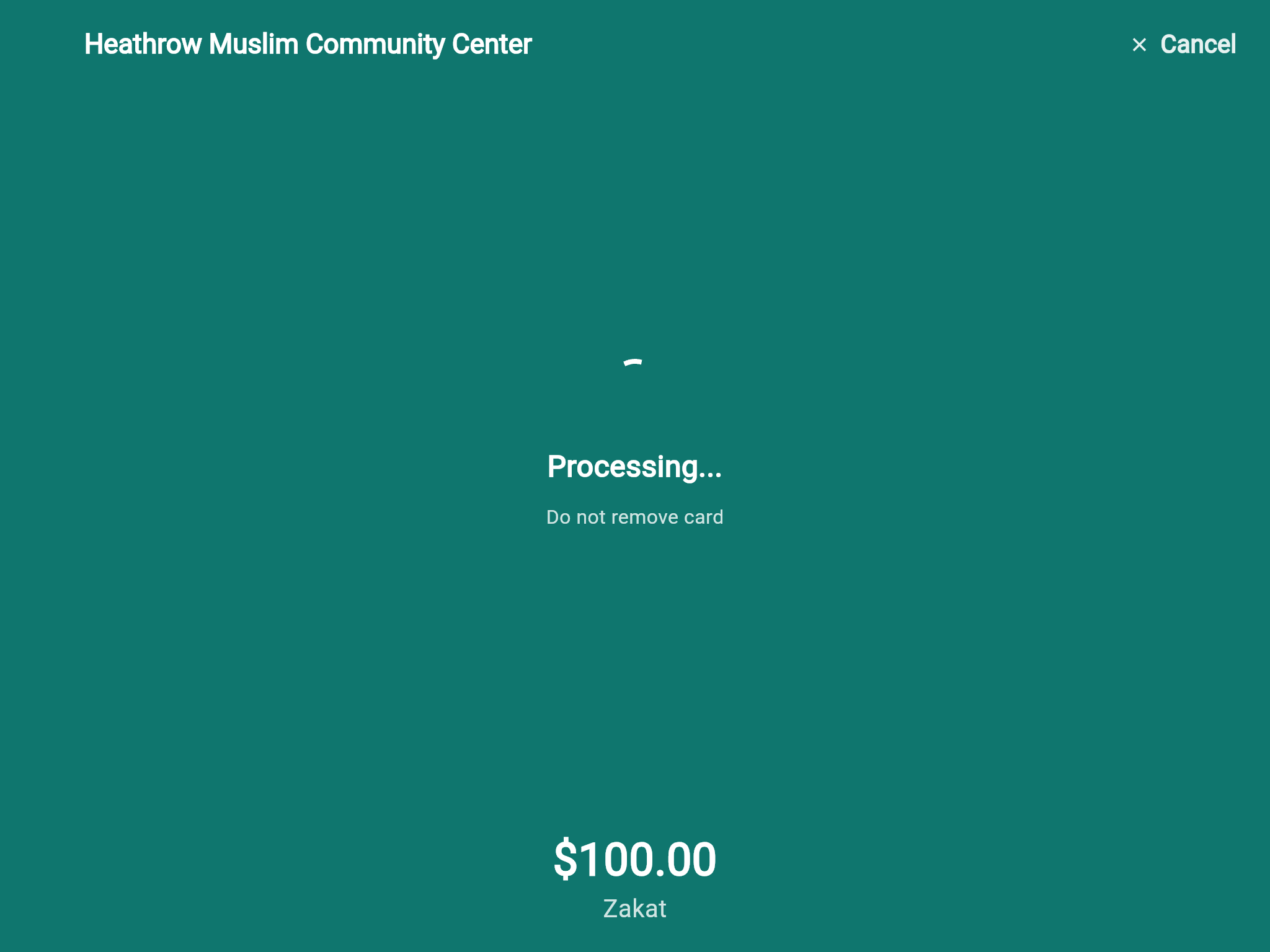
Tap to Pay
A tablet in your lobby, a card reader, and WiFi. Supporters tap to give in seconds — every donation lands in your dashboard automatically.
Tap, chip, and contactless card payments via Stripe Terminal SDK. Supports Bluetooth-connected readers for reliable, PCI-compliant processing.
App auto-launches on boot, locks to full-screen, and requires an admin PIN to exit. No accidental navigation, no distractions.
WiFi drops during a service? Donations queue locally and sync automatically when connectivity restores. Configurable alert threshold ensures staff know before the queue grows.
Your organization's name, logo, and colors on every screen. The idle screen shows a custom welcome message — ready for the next supporter to tap.
Register multiple kiosks per organization. Monitor health, battery, reader status, and offline queue depth from the admin dashboard — all in real time.
Supporters choose where their gift goes before tapping. Categories are pulled live from your dashboard settings — add, reorder, or hide categories without touching the tablet.
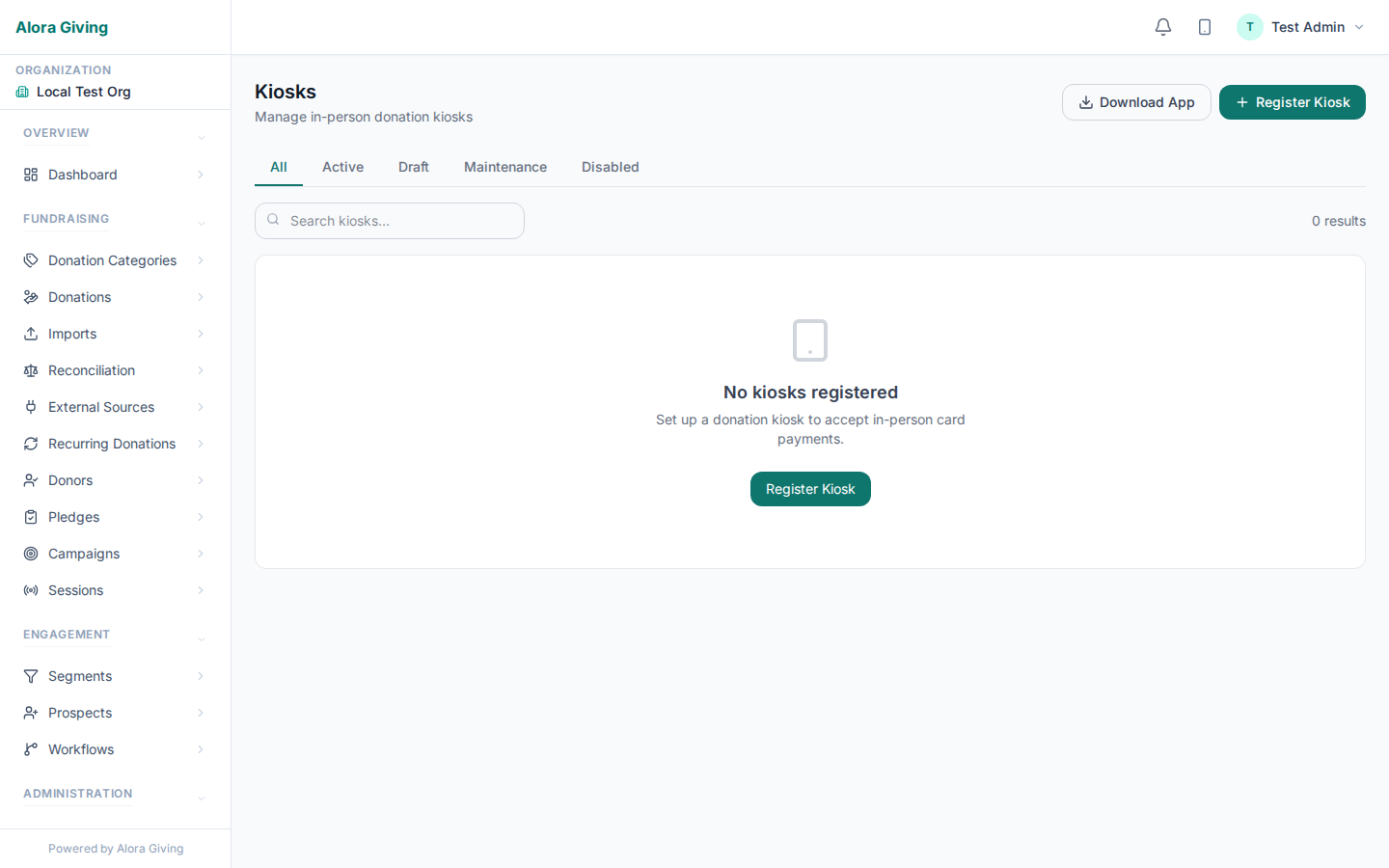
Monitor kiosk health, reader status, and offline queue from one dashboard
Galas, benefit dinners, giving days, walkathons — place kiosks at registration, near the stage, and at the exit. Every tap feeds the same campaign goal in real time.
The kiosk shows your campaign's progress between donations — attendees see how close you are to the goal and feel the momentum building.
Deploy 2, 5, or 10 kiosks across the venue. Every donation from every kiosk counts toward the same goal — plus online and mobile gifts arriving simultaneously.
Category → amount → tap card. No forms, no email required. The supporter walks away in under 15 seconds. Perfect for high-traffic event moments.
An Android tablet (8" or larger recommended), a Stripe Terminal card reader (BBPOS WisePad 3 or Stripe Reader M2), and WiFi. That's it.